
PHP is part of the software behind many websites, including sites built with WordPress. Keeping it on a supported version helps you receive security fixes and maintain compatibility with your content management system (CMS), theme and plugins. Plan the update carefully: a newer version does not guarantee that an older site will work without changes or load faster automatically.
What PHP does on your website
PHP runs on the server and generates some of the content your browser receives. WordPress uses PHP to process pages, plugins and theme features. The PHP version affects which code your website can run and which features and fixes are available.
Why you should keep PHP up to date
Receive security fixes
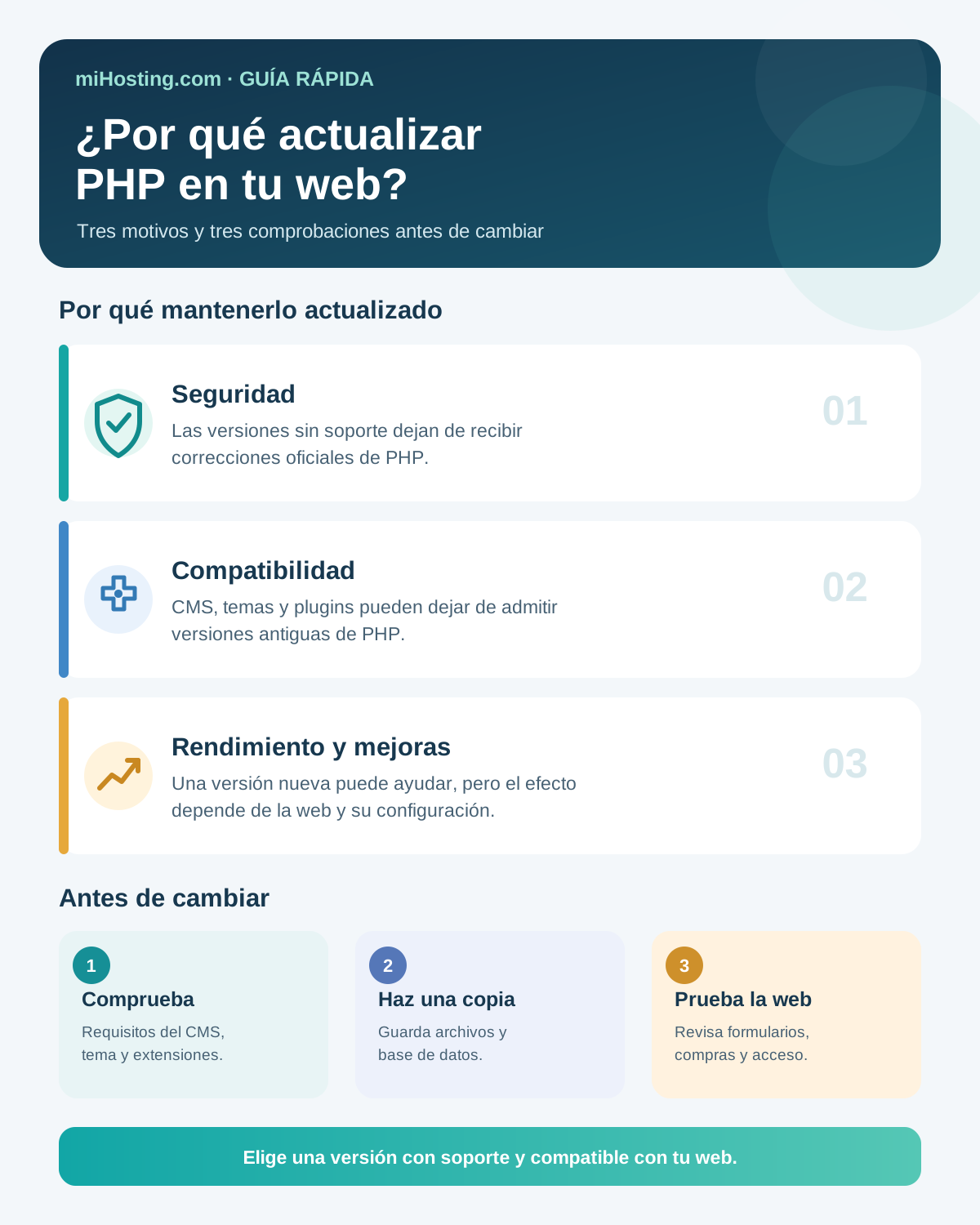
Each PHP branch has a limited support period. During the first two years it receives bug and security fixes; for the following two years, it may receive fixes for critical vulnerabilities. Once that cycle ends, it no longer receives official patches. This does not mean a website becomes vulnerable immediately, but new issues in that version will no longer be fixed by the PHP project. See the official PHP supported versions schedule.
Updating PHP does not replace updates to WordPress, plugins, themes or custom code. Security depends on maintaining the whole stack.
Maintain compatibility with your CMS and extensions
WordPress and other content management systems update their requirements over time. Theme and plugin developers may also stop testing or supporting older PHP versions. If your server falls behind, an update to your CMS or an extension may become unavailable or stop working correctly.
As of 27 October 2026, WordPress recommends PHP 8.3 or later. Always check your CMS’s current requirements and the compatibility of your specific website components before choosing a version. See the official WordPress requirements.
Benefit from improvements without expecting an automatic speed boost
Recent versions may include optimisations and new features, listed in the PHP release announcements. These can improve some applications, but the result depends on your code, plugins, database and server configuration. If slow pages are caused by large images or inefficient queries, changing PHP alone will not solve the problem.
For WordPress sites, miHosting explains what to expect from a PHP update and how to update PHP safely.
Should you always install the newest version?
Not necessarily. The right version must still be supported and compatible with your CMS, theme, plugins and custom code. Changes between releases can alter behaviour or remove older features; PHP publishes a migration guide covering backward-incompatible changes.
Updating does not mean selecting the highest number without checking. If an essential extension does not support a recent release, look for a supported update or alternative and plan the change. Staying indefinitely on an unsupported version is not a long-term solution either.
What to check before changing PHP
Before updating, check which version your website uses and which versions are supported by its CMS, theme, plugins and custom code. Back up your files and database, and test the change on a copy of the site when possible. Afterwards, review key pages, the control panel, forms and any checkout or booking flow. Keep a way to switch temporarily to the previous version while you resolve compatibility issues.
If you use WordPress, follow our guide on updating PHP without breaking WordPress.
Keep your website up to date
Updating PHP helps your website use a supported version that works with its tools. Check requirements before making a change and verify the site afterwards. If your website is hosted with miHosting and you have questions about compatibility, contact our technical team.
From an idea to your first website.
Try free hosting for 6 months. When you need more resources and support, compare our professional plans. Your domain is purchased separately.